
Images
While native markdown images will work with this theme, we suggest you use our custom img shortcode, which provides more features.
The img shortcode supports the grid attribute.
The following values are supported:
widelast-thirdfirst-thirdfirst-two-thirds(default)
{{<img src="<imageSrc>" grid="<gridValue>">}}By default, and image will take up the first-two-thirds of the grid, allowing for call out content to its right.
{{<img src="hero-graphic.webp">}}

{{<call-out sideline="true">}}
Here is an example of a callout to the side of an image.
{{</call-out>}}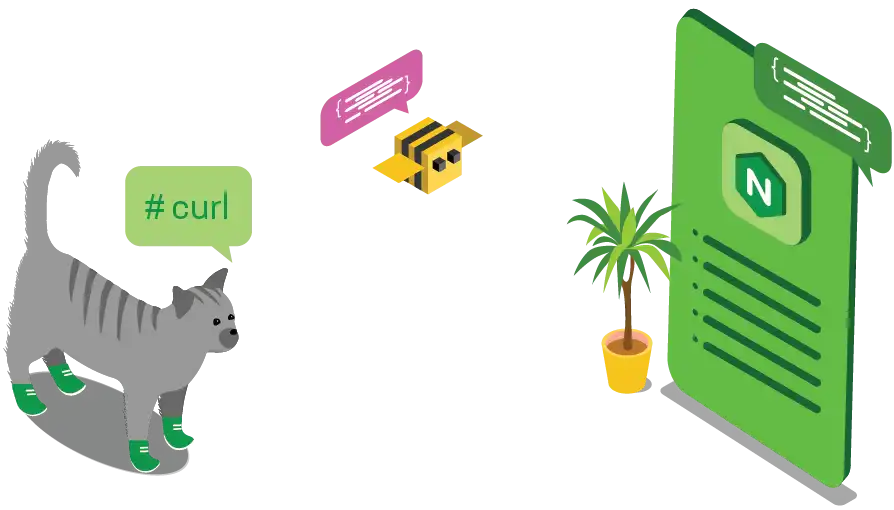
Here is an example of a callout to the side of an image.
Providing the “wide” option, will make the image take up the full grid.
{{<img src="hero-graphic.webp" grid="wide">}}Providing the “last-third” option, will make the image take up the last third of the grid, similar to a side call out. This makes it possible to place an image to the right of text.
{{<img src="hero-graphic.webp" grid="last-third">}}